The Smart Home for the Aging Brain: A Room-by-Room Guide
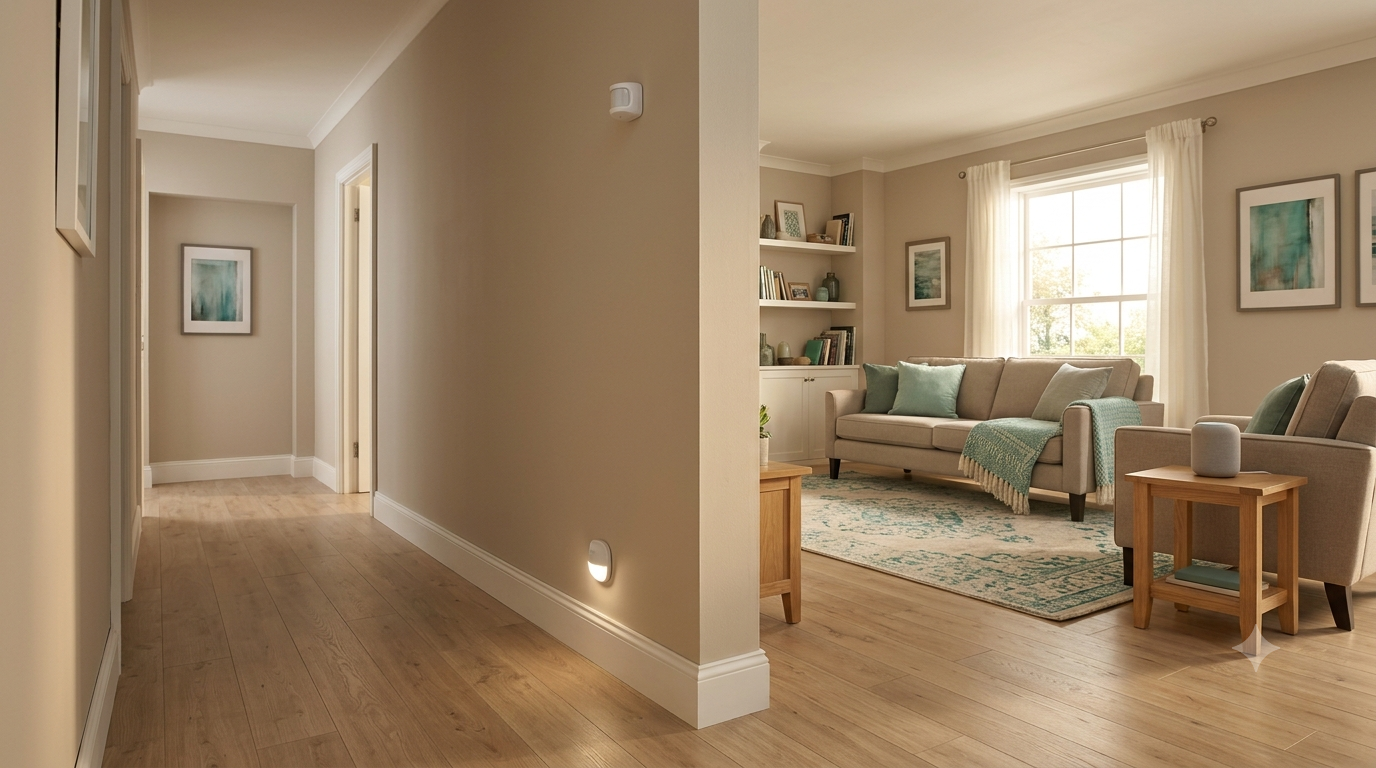
The best smart home for an older adult doesn't look "smart" at all. It looks like a normal, beloved home that quietly lights the way at night, remembers the medications, notices when routines change, and connects family at the touch of nothing.
The best smart home for an older adult doesn't look "smart" at all. It looks like a normal, beloved home that quietly lights the way at night, remembers the medications, notices when routines change, and connects family at the touch of nothing. You can build that home today, room by room, for less than one month of assisted living. Here's the map.
Key takeaways
- Build room by room: entry (doorbell, lock), living room (voice assistant), kitchen (stove monitor, fridge sensor), night paths (motion lighting, bed sensor).
- Motion-activated night lighting is the highest-return purchase in the whole guide.
- One ecosystem, quiet alerts to caregivers' phones, and the older adult's consent on every device.
- A meaningful whole-home setup costs high hundreds to low thousands - a fraction of a month of assisted living.
Where do we start: the entryway
Start where safety and independence meet. A video doorbell lets the resident see who's knocking without hurrying to the door - and lets family confirm the home-care aide arrived. A smart lock ends the hidden-key era: caregivers get codes, keys can't be lost, and family can unlock remotely in an emergency. Add a door sensor if wandering or late-night exits are a concern; it can alert a caregiver's phone rather than sounding an institutional alarm.
What belongs in the living room?
The voice assistant - the single highest-value device in the whole house. No menus, no tiny buttons, no learning curve beyond talking: "Call my daughter." "What day is it?" "Play Nat King Cole." Set up routines (a morning greeting with the date, weather, and schedule) and drop-in calling with family. Consider a smart display rather than a speaker - the screen helps with video calls and visual reminders - and add smart plugs on lamps so lights respond to voice or schedule.
What about the kitchen - isn't that the risky room?
It is, and it's also the room where independence lives, so instrument it rather than lock it. A stove monitor (auto-shutoff or alert-based) addresses the single scariest kitchen risk. Leak sensors under the sink catch the slow floods. A smart kettle or coffee maker on a schedule keeps rituals alive safely. And the humble refrigerator door sensor does quiet diagnostic work: a fridge that hasn't opened by noon says more about how Mom's doing than a phone call she'll answer with "I'm fine."
How do we make nights safer?
Nighttime is when falls happen. Motion-activated pathway lighting - bed to bathroom - is the highest-return purchase in this entire guide and costs almost nothing. A bed sensor can note whether sleep is fragmenting (an early flag for infections, pain, or cognitive change) and trigger the path lights the moment feet hit the floor. In the bathroom: motion lighting, a flood sensor, and if falls are a live risk, a radar-based fall detector - no camera, no wearable to forget in the shower.
How does it all come together?
Three principles turn gadgets into a system. One ecosystem: pick a single platform family and stay in it - mixed ecosystems create the tech-support burden that kills adoption. Alerts to people, not noise in the house: route anomalies quietly to caregivers' phones; the resident's home should feel calm, not clinical. Consent and co-design: walk through every device *with* the older adult, explain what it senses and who sees it, and honor vetoes. A system built with someone gets used; a system imposed on someone gets unplugged. (For how these sensors pair with AI monitoring, see AI in dementia care.)
What does it cost?
A meaningful whole-home setup - doorbell, lock, voice display, plugs and lighting, stove monitor, a handful of sensors, fall detection - typically lands in the high hundreds to low thousands of dollars, plus modest subscriptions. Compare that with the monthly cost of assisted living, and the math argues for trying the home first.
Frequently asked questions
What's the first smart-home device to buy for an aging parent? A voice assistant (ideally with a screen) plus motion-activated night lighting. Together they cover communication, reminders, and the most common fall scenario for under $150.
Do smart homes work for people with dementia? Yes, with adaptation: emphasize ambient and automatic features (lighting, sensors, auto-shutoff) over anything requiring the person to learn new steps, and introduce devices early while learning is easier.
Are cameras necessary for safety monitoring? Rarely. Motion, door, bed, and radar sensors provide the safety signal without the privacy cost, and older adults accept them far more readily than video.
What if my parent refuses all of it? Start with one invisible win (night lighting), frame devices around their goals ("so you can stay home"), and give them control of the voice assistant first - usefulness converts skeptics faster than argument.
*Brain Meets Bytes - Science First. Human Always. Members get the printable setup checklist and product-category worksheet.*
This article is for general education and is not medical advice.